Food and product advertising
Create glossy product stills, food visuals, seasonal concepts, and campaign images before motion testing.
 Start creating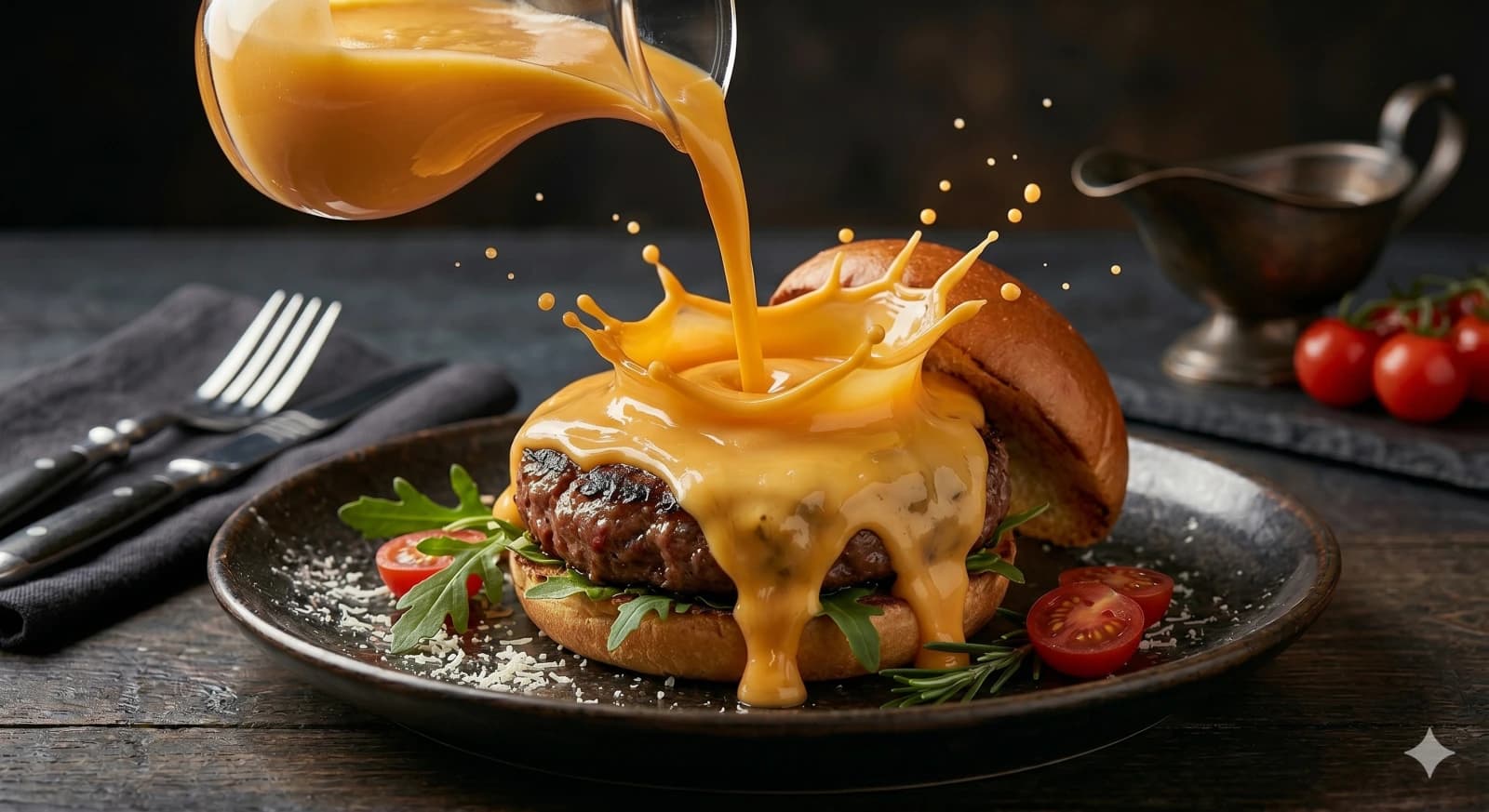
Model guide
Use GPT image 2 through Reemo to create prompt-driven still images for campaigns, products, portraits, and video first frames.
GPT image 2 is an image generation model available in Reemo for text-to-image workflows. It is useful when creators need polished prompt-driven stills, food and product ad concepts, portrait directions, campaign visuals, and first frames that can later be animated with image-to-video.
Practical ways creators can use this workflow without switching tools.
Create glossy product stills, food visuals, seasonal concepts, and campaign images before motion testing.
Build a stable opening image for image-to-video when composition, product placement, and lighting matter.
Explore profile visuals, studio scenes, creator characters, and campaign faces with natural prompt language.
Turn a launch idea into still frames your team can compare before creating video drafts.
Keep a reusable prompt structure and swap product, lighting, background, camera, or format variables.
Compare GPT image 2 against Nano-Banana-2 when style, texture, composition, or first-frame utility matters.
A compact workflow from idea to usable output.
Describe the subject, purpose, composition, lighting, format, and any details that must not appear.
Use GPT image 2 for text-to-image generation when you want a polished prompt-driven still.
Check subject accuracy, product shape, hands, text-like elements, lighting, and whether the frame fits the channel.
Download the still or continue into image-to-video if the image works as a first frame.
Structured notes for creators, search engines, and AI answer engines.
| Question | GPT image 2 in Reemo | Best fit |
|---|---|---|
| What workflow is supported? | Text-to-image generation from written prompts | Product visuals, portraits, food ads, campaign stills |
| When should I use it? | Use when you need polished stills, strong prompt detail, and video-ready composition | Marketing concepts and first frames |
| How does it compare? | Compare with Nano-Banana-2 for texture, style, composition, and prompt behavior | Model selection before scaling a prompt |
| Can it support video? | Yes. Generate a still, then animate it with Reemo image-to-video | Short product clips and social ads |
| What should I review? | Product accuracy, anatomy, layout, lighting, format, and brand safety | Publishable assets |
| How does Reemo help? | Reemo keeps image generation, prompt examples, history, downloads, and video workflows connected | Repeatable creator production |
Copy a structure, swap the subject, then test it in Reemo.
Good for product concepts and first-frame planning.
Editorial product image of a matte black wireless speaker on a walnut desk, soft morning window light, realistic shadows, subtle dust particles, clean premium composition, no text, 4:5.Use the liquid-splash pattern for menu visuals and short ad covers.
Stream of melted chocolate being poured over vanilla ice cream, glossy reflections, high-speed splash texture, dark elegant studio background, premium dessert advertising style, shallow depth of field.Good for profile and campaign character testing.
Natural portrait of a creator in a compact home studio, laptop glow, camera gear on shelves, relaxed confident expression, soft window light, realistic skin texture, editorial profile image.Use this type of still before image-to-video.
Cinematic first frame of a silver electric bike beside a concrete wall at dusk, wet pavement reflections, orange street light, stable centered composition, realistic product detail, 16:9.Good for early creative direction.
Four storyboard frames for a product launch video: close-up detail, hand interaction, lifestyle scene, final hero frame, consistent color palette and lighting, clean grid layout.Answers written for people first, with clean structure for search.
GPT image 2 is an image generation model available in Reemo for creating images from written prompts.
You can create product concepts, food ad images, portraits, campaign visuals, storyboard frames, and first frames for image-to-video.
GPT image 2 generates still images. In Reemo, you can use a strong still image as a starting frame for image-to-video workflows.
Choose GPT image 2 when you want to test polished prompt-driven stills. Compare it with Nano-Banana-2 when texture, style, or prompt behavior matters.
Include subject, composition, lighting, background, style, format, and details to avoid. Concrete visual instructions usually work better than vague style words.
Yes. Completed Reemo generations can be previewed in history and downloaded from the workspace.
Yes. It is useful for product concepts, campaign stills, ecommerce test images, and first frames for motion.
No. Reemo keeps provider routing internal and presents GPT image 2 as a creator-facing model option.
Move from this guide into the most relevant Reemo workflow or learning surface.
Open Reemo, choose the workflow, and generate your next image or video draft.